Genius Classroom (天才课堂): Bilingual Middle-School Lessons That Read Aloud
An attempt at AI for education, still in development: free, bilingual (English and Chinese) interactive middle-school lessons, built and checked with AI agents, where every sentence can be read aloud in a natural AI voice.
Still in development: lessons and recordings are updated almost every day.
Genius Classroom (天才课堂) is my attempt at AI for education. It offers free, bilingual (English and Chinese) interactive lessons that help middle-school students preview, learn, and review schoolwork. It covers what students learn in the US (Georgia standards, grades 6-8) and in mainland China: science, math, English, social studies and U.S. history, China’s history, geography, civics, and Chinese, plus computer science, music, and art. The site has 326 lessons in 19 subjects so far. AI agents help build and check every lesson, and an AI voice reads them aloud.
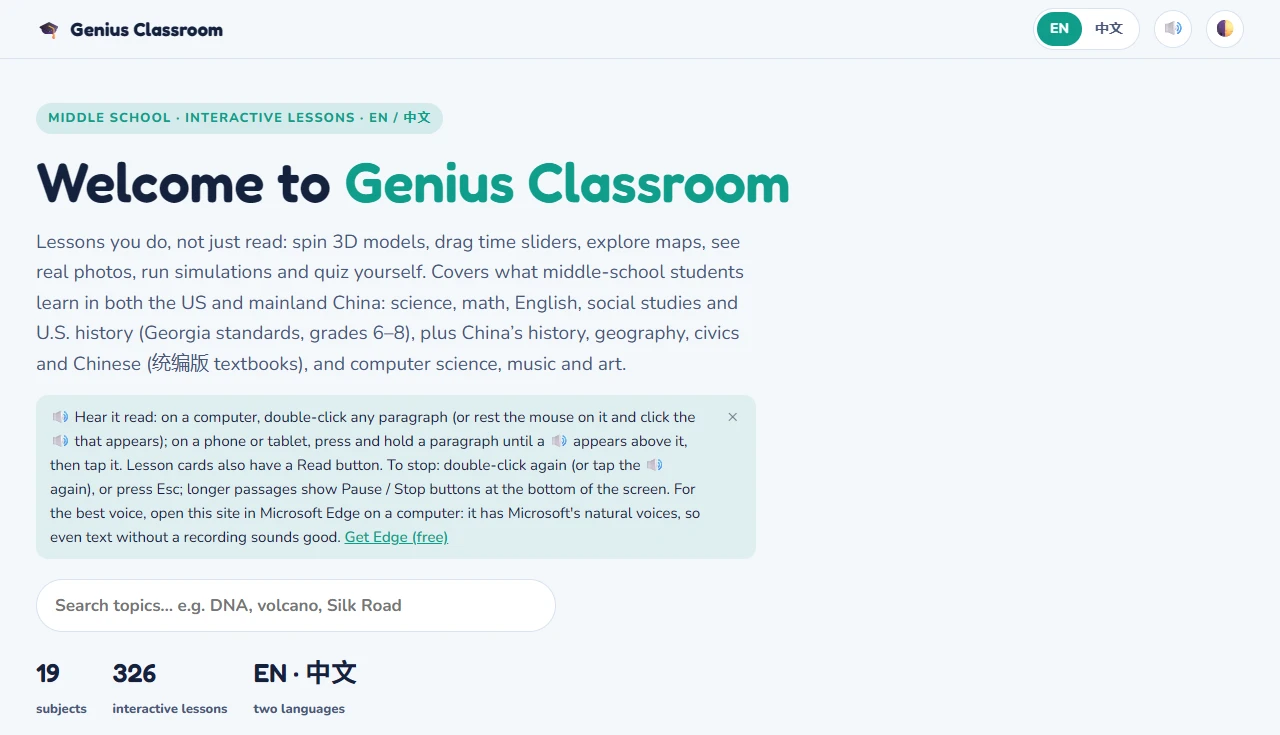
Every sentence can be read aloud
Read-aloud is the center of the site. Students can listen to any part of a lesson, in English or Chinese:
- On a computer, double-click any paragraph. On a phone or tablet, press and hold a paragraph, then tap the 🔊 that appears. Lesson cards also have a Read button.
- Two switches read each card aloud when it opens and then turn to the next card, so a student can listen through a whole lesson.
- Longer passages show Pause, Resume, and Stop buttons. A teacher can pause to explain and then continue from the same place.
Behind the buttons is an AI audio pipeline:
- A crawler visits every lesson and collects every sentence the page can speak, including labels on maps and 3D models and quiz choices. That is about 140,000 short clips in the two languages.
- AI writes a spoken script for each clip, the way a good teacher would read the text aloud: “H₂O” becomes “H two O”, “1665” becomes “sixteen sixty-five”, and “km/h” becomes “kilometers per hour”. A second AI checks every script.
- An open-source voice model, Qwen3-TTS (voice Serena), records the clips on a home GPU server. It reads Chinese characters with more than one pronunciation (多音字) correctly, which browser voices often get wrong.
- When a lesson changes, only the changed sentences are recorded again. A sentence without a recording yet plays a stand-in voice or the browser’s own voice, so every page can always be read aloud.
Lessons you do, not just read
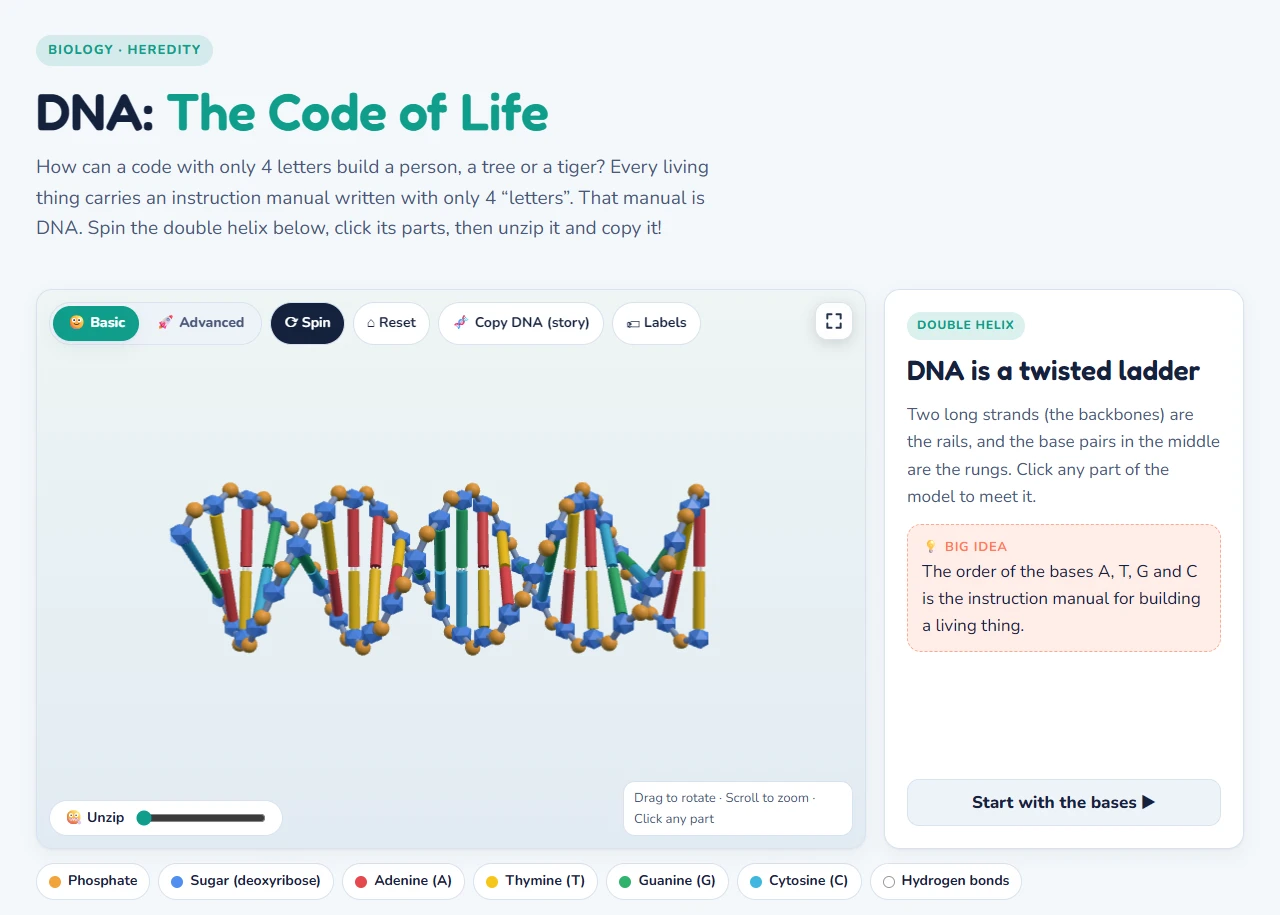
Students spin 3D models, drag time sliders, explore maps, look at real photos, run simulations, and quiz themselves. Science lessons have a clickable 3D model with a guided story mode, memory hints, common mix-ups, a sorting game, and teacher notes. Math, physics, and chemistry formulas always sit next to a simulation or diagram that students can change.
How AI builds it
- Codex drafts lessons, translates them, adds pinyin, and finds verified photos. Claude writes the requirements and runs browser and phone tests.
- An independent AI review re-checks every fact, formula, and answer, and every lesson is checked by hand before it is published.
- The core idea is aesthetic education (美育): helping students discover beauty in what they learn. The rule for every page is “seek truth from facts” (实事求是): every fact, date, number, and quotation must be verifiable.
Links: Open Genius Classroom · 中文版 · Source on GitHub